
Step 2 : Creating Browse Games Page
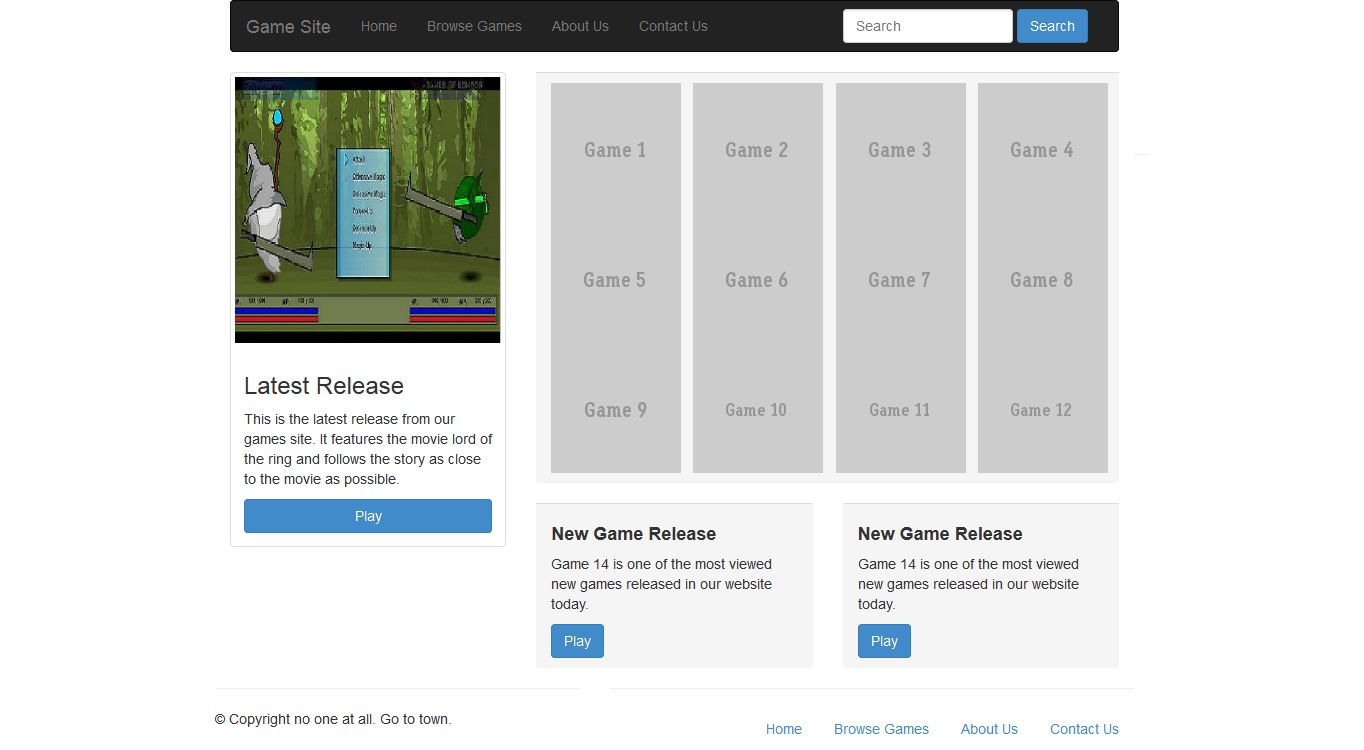
<< IndexIn the end of this tutorial, your browsing game page will look like,
Step 2.1: Open Game Site Layout page and renamed as browse.html.
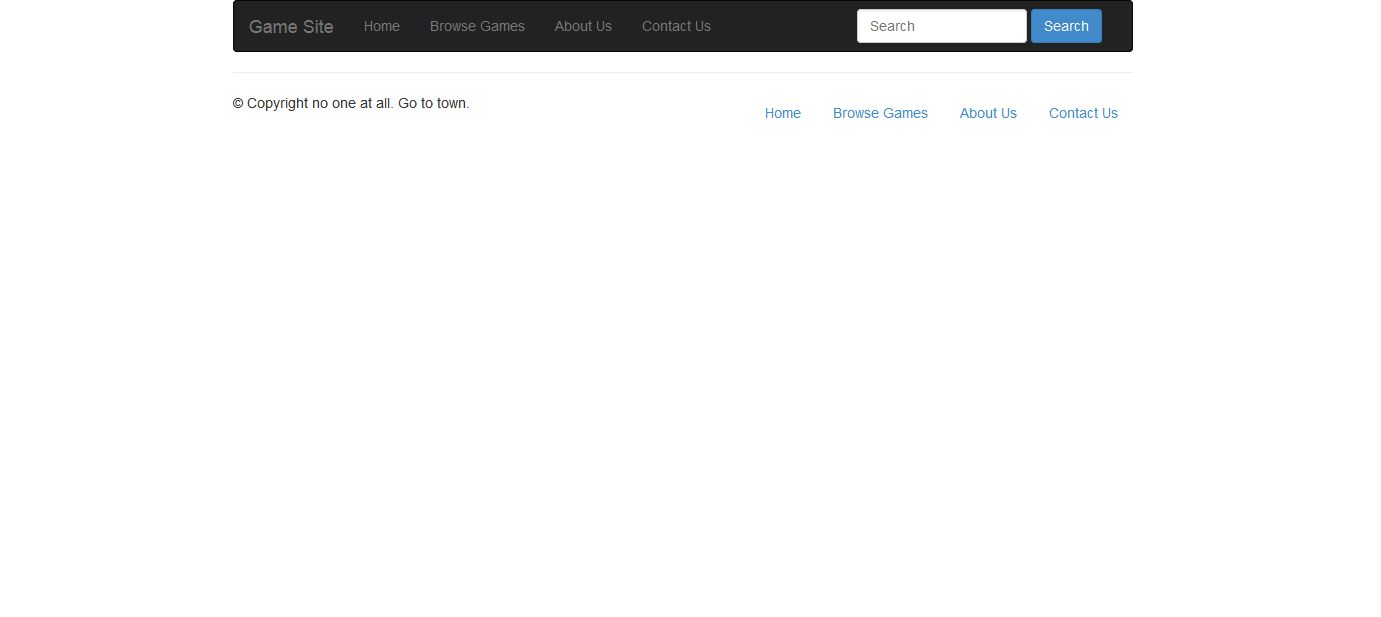
Step 2.1.1: Save the file and open it in your favorite browser, the web page will look like,
Step 2.2: Create two section first one for latest release panel and second one for browsing game panel.
<div class="row">
  <div class="col-sm-6 col-md-4">

  </div>
  <div class="col-sm-6 col-md-8">

  </div>
</div>
Step 2.2.1: Add code for latest release panel in first section.
<div class="thumbnail">
      <img src="img/game-site-5.jpg" alt="...">
      <div class="caption">
        <h3>Latest Release</h3>
        <p>This is the latest release from our games site. It features the movie lord of the ring and follows the story as close to the movie as possible.</p>
      <button type="button" class="btn btn-primary text-center" style="width:100%;">Play</button>
      </div>
</div>
Step 2.2.2: Add code for browse game panel in second section.
<div class="panel-footer" style="padding-right:5%;">
<div class="row">
<div class="col-md-3">
<img src="http://placehold.it/130x130&text=Game 1">
</div>
<div class="col-md-3">
<img src="http://placehold.it/130x130&text=Game 2">
</div>
<div class="col-md-3">
<img src="http://placehold.it/130x130&text=Game 3">
</div>
<div class="col-md-3">
<img src="http://placehold.it/130x130&text=Game 4">
</div>
</div>
<div class="row">
<div class="col-md-3">
<img src="http://placehold.it/130x130&text=Game 5">
</div>
<div class="col-md-3">
<img src="http://placehold.it/130x130&text=Game 6">
</div>
<div class="col-md-3">
<img src="http://placehold.it/130x130&text=Game 7">
</div>
<div class="col-md-3">
<img src="http://placehold.it/130x130&text=Game 8">
</div>
</div>
<div class="row">
<div class="col-md-3">
<img src="http://placehold.it/130x130&text=Game 9">
</div>
<div class="col-md-3">
<img src="http://placehold.it/130x130&text=Game 10">
</div>
<div class="col-md-3">
<img src="http://placehold.it/130x130&text=Game 11">
</div>
<div class="col-md-3">
<img src="http://placehold.it/130x130&text=Game 12">
</div>
</div> </div>
<br />
<div class="row">
<div class="col-md-6">
<div class="panel-footer">
<h4><b>New Game Release</b></h4>
<p>Game 14 is one of the most viewed new games released in our website today.</p>
<button type="button" class="btn btn-primary text-center">Play</button>
</div>
</div>
<div class="col-md-6">
<div class="panel-footer">
<h4><b>New Game Release</b></h4>
<p>Game 14 is one of the most viewed new games released in our website today.</p>
<button type="button" class="btn btn-primary text-center">Play</button>
</div>
</div>
Step 2.2.3: Save the file and open it in your favorite browser, the web page will look like,
<< Step 1 Step 3 >>